Top 5 Free Social Media Post Design Sites in 2026 | Best Free Design Tools
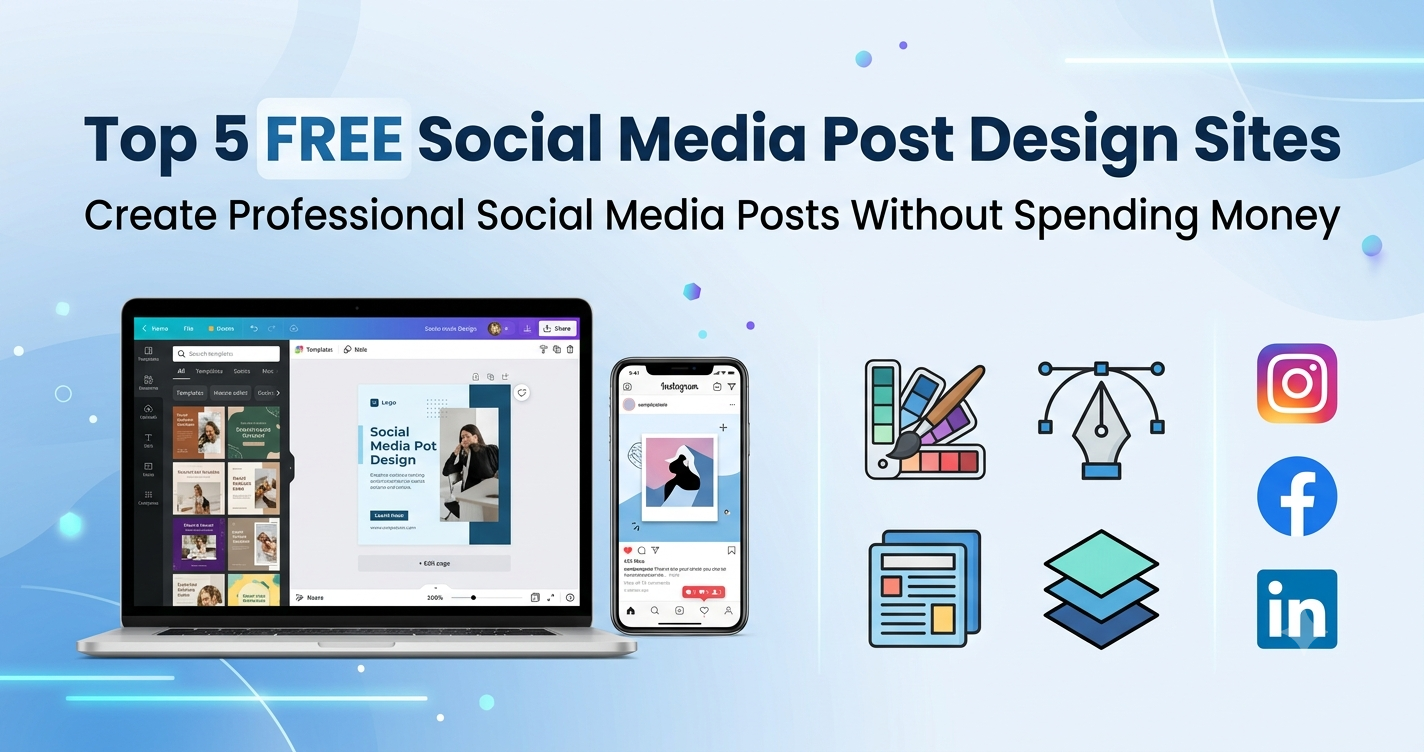
Top 5 Free Social Media Post Design Sites in 2026
In today's digital world, attractive social media posts are essential for building your brand, increasing engagement, and attracting customers. Whether you're a business owner, freelancer, student, or content creator, eye-catching graphics help your content stand out.
The good news is that you don't need expensive software or professional design skills. Several free online design platforms allow anyone to create beautiful social media posts in just a few minutes.
Here are the Top 5 Free Social Media Post Design Sites in 2026.
1. Canva
Canva is one of the most popular online graphic design tools. It offers thousands of ready-made templates for Instagram, Facebook, LinkedIn, YouTube, Pinterest, and more.
Features:
- Drag-and-drop editor
- Thousands of free templates
- Free photos and icons
- Team collaboration
- Mobile App Available
Best For: Beginners, businesses, marketers, and students.
2. Adobe Express
Adobe Express combines professional-quality templates with an easy-to-use interface. It allows users to create social media graphics, posters, logos, and promotional materials quickly.
Features:
- Professional templates
- AI-powered design suggestions
- Quick resize feature
- Brand kit
- Free fonts and icons
Best For: Business owners and marketing professionals.
3. VistaCreate
VistaCreate (formerly Crello) is another excellent platform for creating social media content. It offers thousands of animated and static templates for different industries.
Features:
- Animated social posts
- Instagram Story templates
- Business marketing designs
- Free stock images
- Easy editing tools
Best For: Social media managers and content creators.
4. Fotor
Fotor is known for its photo editing capabilities along with social media design templates. If you want to edit product photos before posting, Fotor is a great option.
Features:
- Photo enhancement
- Background remover
- Collage maker
- Social media templates
- AI editing tools
Best For: E-commerce businesses and photographers.
5. Snappa
Snappa is designed specifically for marketers who need quick graphics for blogs and social media.
Features:
- Fast editor
- Royalty-free images
- Social media templates
- Blog featured image templates
- One-click resize
Best For: Bloggers, digital marketers, and agencies.
Which Platform Should You Choose?
Each platform has its own strengths.
- Canva – Best all-round design platform.
- Adobe Express – Professional branding and marketing.
- VistaCreate – Animated content.
- Fotor – Photo editing and graphics.
- Snappa – Quick social media and blog graphics.
If you're just starting, Canva is usually the easiest choice. As your business grows, you can explore Adobe Express or VistaCreate for more advanced designs.
Final Thoughts
Creating professional social media graphics no longer requires expensive software or years of design experience. These free platforms help businesses, freelancers, and creators produce engaging content that improves brand visibility and customer engagement.
Regularly posting high-quality visuals can increase reach, improve audience trust, and strengthen your online presence. Choose the platform that fits your needs and start creating attractive posts today.
Call to Action
Need professional social media post designs for your business?
Mashmalo Technology creates custom social media creatives, website banners, branding materials, and marketing graphics that help businesses grow online.